A lyrics file should represent the song you actually release. A draft from an earlier writing session may contain changed words, missing repeats or section notes that were never meant for the listener. Formatting is easier once the text is correct, so start with the performance rather than the appearance of the page.
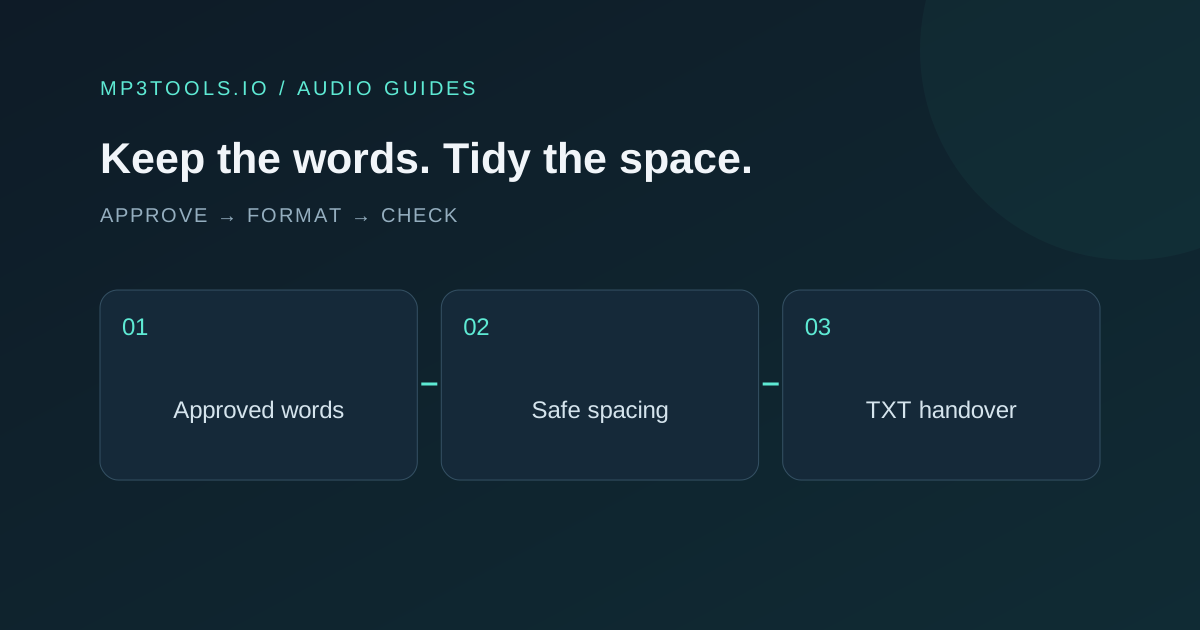
Approve the words first, make spacing changes separately, and check the exported text against the final audio version.
Choose the exact audio version you are documenting
Open the approved release audio and the lyric draft side by side. Confirm whether you are preparing the original, a clean version, a radio edit or another version with different words. Put that version in your working filename so you do not mix two texts later.
Read the lyrics while the audio plays. Mark discrepancies without immediately rewriting the entire page. Listen again to uncertain lines, including repeated hooks and quiet ad-libs. A repeated chorus may change one word on the final pass, so copying the first chorus everywhere can introduce an error.
If a collaborator supplies the lyrics, ask them to confirm the text against this same version. “Approved lyrics” is only useful when everyone knows which recording was approved. Keep the original draft as a separate reference rather than overwriting your only record.
Separate content decisions from spacing decisions
Words, spelling, punctuation, capitalisation and numerals are content. Leading spaces and repeated blank lines are formatting. Review those two kinds of change separately so a tidy-up does not silently become an editorial rewrite.
Decide how you want to handle intentional repetition, vocal sounds and section labels, then check the destination’s current lyric instructions. Some destinations have specific submission rules. A plain text file prepared for a collaborator is not automatically ready for every distribution or lyric service.
Do not expand abbreviations, replace slang or change the performer’s language just to make the page look formal. Where you are uncertain, resolve it with the artist or the approved reference. The job is to represent the released performance clearly.
Use safe spacing in the browser
- Open the Lyrics Formatter.
- Paste your approved text into the editor.
- Read the formatting checks and word, line, section and character counts.
- Choose Apply Safe Spacing to trim line edges and repeated blank lines.
- Compare the result, then copy it or download TXT.
The tool processes text locally. Safe spacing does not change words, spelling, punctuation, capitalisation or numerals. It also does not transcribe audio, translate the song or verify that the text matches a performance.
Treat the counts as helpful review signals. An unexpected change in line count may be explained by blank lines, while an unexpected missing section deserves another look. A count by itself cannot tell you whether a lyric is correct.
Make the text readable without adding clutter
Use line breaks that help a reviewer follow the song. Separate sections clearly, avoid very long unbroken lines, and remove working notes that should not be delivered. Keep any remaining labels consistent with the recipient’s requirements.
| Review | What to confirm |
|---|---|
| Words | Match the final performance, including changed repeats |
| Structure | Sections appear in the released order |
| Spacing | Line edges and section gaps are consistent |
| Notes | Draft instructions and unresolved alternatives are removed |
| Version | Filename identifies the correct release or edit |
Open the downloaded TXT in a basic text editor. Confirm special characters and line breaks display as intended. The exported file, rather than the text still on the page, is the object you will hand over.
Review the complete release package
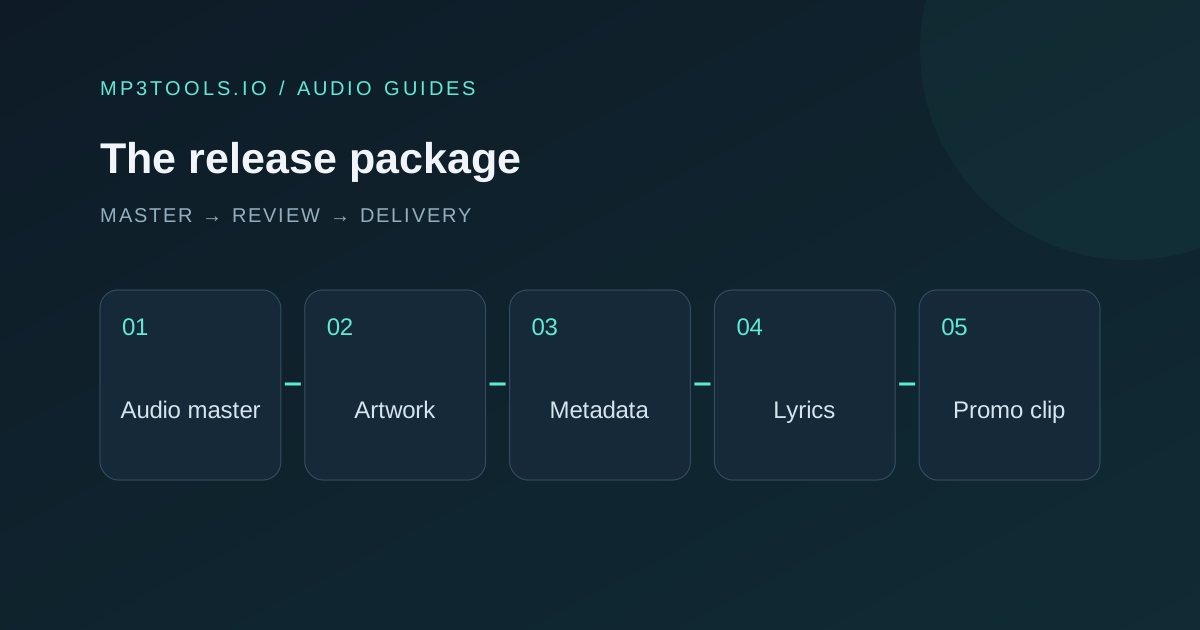
Compare the lyric file’s title and version with your audio, artwork and metadata reference. A perfectly spaced file for an earlier version is still the wrong deliverable. Read the release checklist for an order of work that keeps these parts aligned.
Keep human review for rights, credits, explicit-language marking and destination requirements. The formatter’s checks concern text presentation; they do not approve those release decisions. Record the approval outside the text if the recipient only wants the lyrics.
A clear handover might contain song-lyrics-approved.txt, the approved audio reference, and a short note naming the version and approval date. When the performance changes, revisit the lyrics deliberately. That small versioning habit saves confusion when several people are preparing a release together.
Sources & further reading
Tool steps checked against the current mp3tools.io browser tools. Platform guidance checked on 4 October 2026.